
Check BMW Factory Paint Color by VIN
A BMW Paint Color by VIN lookup helps you verify the original factory color, interior finish, options, and other build details for a specific BMW. Enter the VIN to confirm the original specs and more in under a minute.
What Color Information Can You Find by BMW VIN?

A BMW VIN lookup can help retrieve available factory color information associated with the vehicle’s original build. Depending on the records available for that BMW, you may be able to identify both the exterior and interior colors. You should expect the following:
Interior Color
Find the interior color assigned to your BMW when it was built. Compare the original factory finish with the cabin you see in the vehicle you’re considering.
Exterior Color
Check the original BMW factory paint color linked to the vehicle. This can help when buying a used BMW, repairing body panels, or restoring an older car.
Why Look Up a BMW Paint Color by VIN?
A BMW color by VIN lookup can help you understand how the vehicle left the factory and compare its original specifications with its appearance today. Here’s why it’s crucial:
Confirm the BMW Original Paint Color
Checking the BMW original paint color lets you compare the vehicle’s factory finish with its current exterior. This can be useful when buying, selling, repairing, or restoring a BMW.
Support Paint and Body Repairs
Knowing the original BMW factory paint color gives you useful information when working on damaged panels. It can also help you compare replacement parts with the original finish.
Research a Used BMW Before Buying
A BMW paint color lookup can help you compare the vehicle with its listing and paperwork. If the colors differ, you can investigate the reason before buying.
Check More Factory Build Details
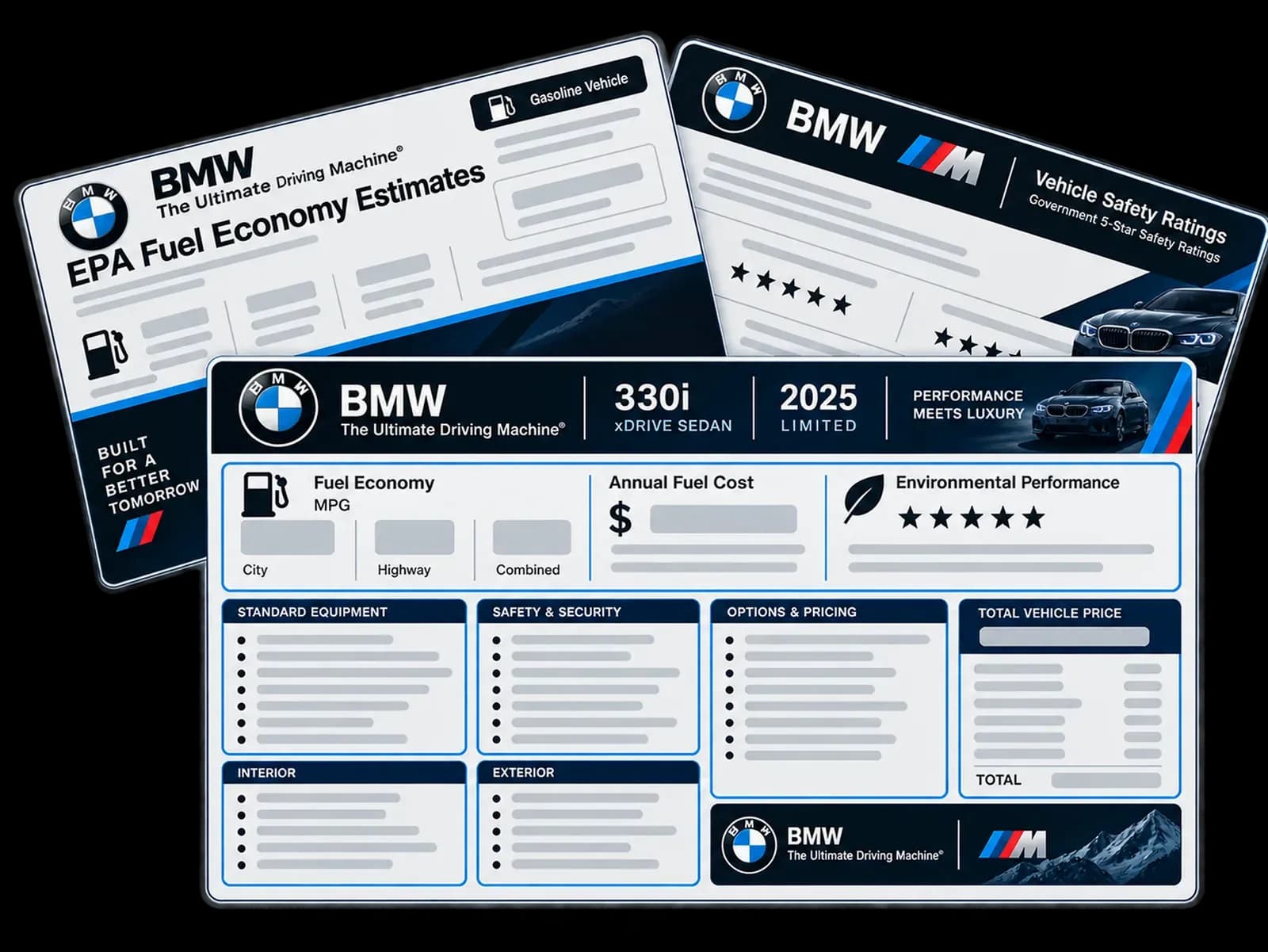
If you need more than the original color, the BMW window sticker may also show available factory options, equipment, and original pricing information.
How to Verify a BMW Paint Color by VIN?
Checking your BMW’s factory color is easy with our tool. Enter your vehicle information, preview the available specifications, then retrieve the window sticker for additional build details.
Enter the BMW VIN
Enter your BMW VIN into the form at the top of the page. US users can also search with a license plate or year, make, and model.
Submit the Form
Submit to preview basic BMW details, including the year, make, model, engine, and other available vehicle specifications.
Look Up BMW Paint Color
Purchase the BMW window sticker to check original colors, factory options, equipment, MSRP, and other available build information for your specific vehicle.
BMW Paint Color vs. BMW Paint Code
A BMW factory color lookup and a BMW paint code answer related but different questions. The lookup helps identify the original factory color recorded for the vehicle, while the paint code provides the specific reference used to match that finish.
| BMW Factory Color Lookup | BMW Paint Code |
|---|---|
| Identifies the original exterior or interior color when available. | Identifies the specific factory paint reference or color variant. |
| Useful for checking how the BMW was originally configured. | Useful when matching, ordering, or repairing paint. |
| May come from available factory build or window sticker information. | May need confirmation from a factory label, BMW record, or other vehicle documentation. |
| Does not confirm the vehicle still has its original paint. | Does not prove every body panel still has its original finish. |
← Scroll horizontally to see more →
Where Can You Find the BMW Paint Code?
The location of BMW paint information varies by model and production year. If your VIN lookup identifies the original color but not the exact paint code, check the vehicle’s factory labels and available documentation.
Vehicle Information Label
Start by checking the BMW vehicle information label. Depending on the model, important production and paint details may appear on a factory label.
Engine Compartment
Some BMW models may have information labels or identification markings around the engine compartment. Check carefully without removing or damaging any factory labels.
Trunk or Luggage Area
The trunk or luggage compartment can contain vehicle information labels on some BMW models. Check around the floor, side panels, and spare tire area.
BMW Records and Documents
Your BMW paperwork, service records, or other vehicle documents may contain useful factory information. These records can help when a physical paint label is difficult to locate.
What a BMW Factory Color Lookup Cannot Confirm
Factory color information describes how the BMW was originally produced, but it cannot confirm everything about the vehicle’s appearance today. Physical inspection and additional vehicle records may be needed when researching later changes.
Current Paint Condition
The lookup shows factory color information, not the condition of the paint today. It cannot tell whether the finish is faded, scratched, oxidized, damaged, repaired, or otherwise changed after production.
Repainting or Wrapping
Factory color data cannot confirm whether the BMW has been repainted or wrapped since it left the factory. Compare the recorded color with the vehicle and inspect the finish physically.
Previous Body Repairs
A color lookup cannot independently prove that a body panel was repaired or replaced. If the current finish differs from factory information, use inspection and history records for more evidence.
Exact Paint Match
The original color name may not be enough to order matching paint. For repair work, confirm the paint code or variant from a factory label, BMW record, or body shop.
What Else Can the BMW Window Sticker Show?
If you need more than the original factory color, the BMW window sticker may also provide additional build, equipment, and pricing information. The exact details available can vary by vehicle.
Original MSRP
The window sticker may show the BMW’s original manufacturer’s suggested retail price when that information is available, giving you a useful reference for how the vehicle was originally priced new.
Factory Options and Equipment
Review available factory-installed options, packages, and equipment recorded for the BMW. This helps separate the original build configuration from features that may have been added, replaced, or modified after production.
Fuel Economy and Safety Details
Depending on the vehicle and available data, the window sticker may include fuel-economy information and safety details associated with the BMW when it was originally sold as a new vehicle.
Original Pricing Details
The sticker may also show total vehicle price, destination or shipping charges, and other original pricing details when available, helping you understand how the BMW was originally configured and priced.
MW Models Supported by the Color Lookup
Look up any BMW original paint colors and find factory color information. Below are some popular BMW vehicles:
| 3 Series | 5 Series | 1 Series | X1 | X2 | X3 |
|---|---|---|---|---|---|
| 7 Series | 4 Series | X4 | X5 | X6 | X7 |
| 2 Series | 8 Series | XM | i4 | i5 iX | Z4 |
← Scroll horizontally to see more →
Other useful BMW VIN Tools
Here are additional tools to research detailed vehicle specs, factory equipment, records, and more.
Look Up Any BMW Paint Color by VIN
Enter the VIN to identify available original exterior and interior color information for your BMW and access additional factory build details when needed.
FAQ About BMW Paint Color by VIN Lookup
Can I find my BMW paint color by VIN?
Yes. You can find your BMW paint color by VIN using our tool to get the BMW window sticker lookup, which shows the available factory data, including the original color information.
Can a BMW VIN show the paint code?
No. A BMW VIN can help identify the original color when factory information is available, but the VIN doesn’t show the physical paint code. Check factory records or the vehicle label.
How do I find my BMW factory paint color?
You can find your BMW factory paint color by checking the vehicle information label or using our BMW factory color by VIN lookup tool when the relevant build information is available.
Does a BMW VIN show the current paint color?
A BMW VIN generally identifies original factory information rather than the current paint. Repainting, wrapping, repairs, or modifications can change the exterior after production.
Can I find BMW paint color without the VIN?
Yes. Our tool allows you to find BMW paint color using the license plate or the year, make, and model, without the VIN. You can also check the vehicle’s paint or information label. The exact location varies by model and production year.
Can I find the original BMW color after a repaint?
You can find the original BMW color after a repaint if factory records or available vehicle build information identify the original finish. The current paint may be different.
Does every BMW VIN provide paint information?
Not every BMW VIN will necessarily provide paint information. Available details can vary based on the model, production year, market, and factory records available for that vehicle.
Can a BMW window sticker show the original color?
Yes. A BMW window sticker can show the original exterior and interior colors when those details are included in the available factory build data for the specific vehicle.